| Filename | Latest commit message | Latest commit date |
|---|---|---|
 9b1da10da1
The tool input JSON examples for Gradient and Kaleidoscope had literal
newlines in the string values, making them invalid JSON. Changed to use
`\n` escape sequences to match the Interactive Julia Set example.
Fixes regression from
|
||
| .. | ||
| src | ||
| .gitignore | ||
| grid-cell.png | ||
| main.ts | ||
| mcp-app.html | ||
| package.json | ||
| README.md | ||
| screenshot.png | ||
| server.ts | ||
| tsconfig.json | ||
| tsconfig.server.json | ||
| vite.config.ts | ||


Example: ShaderToy Server
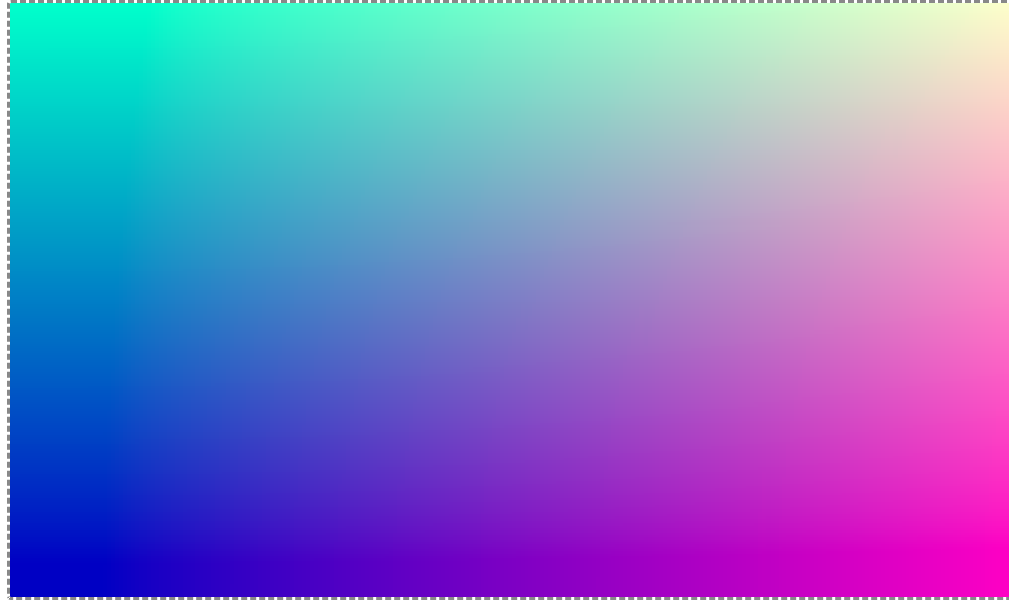
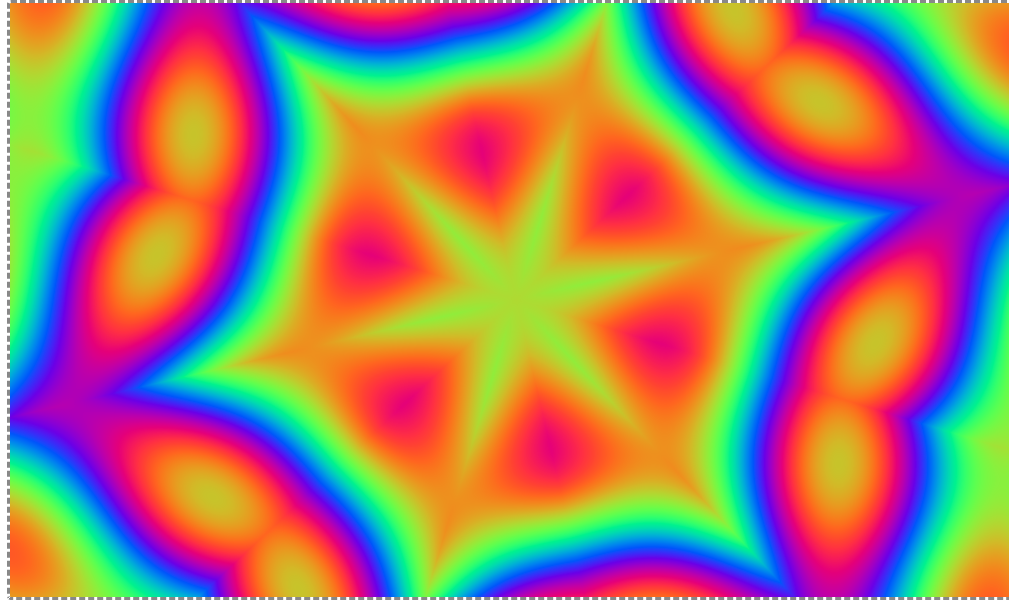
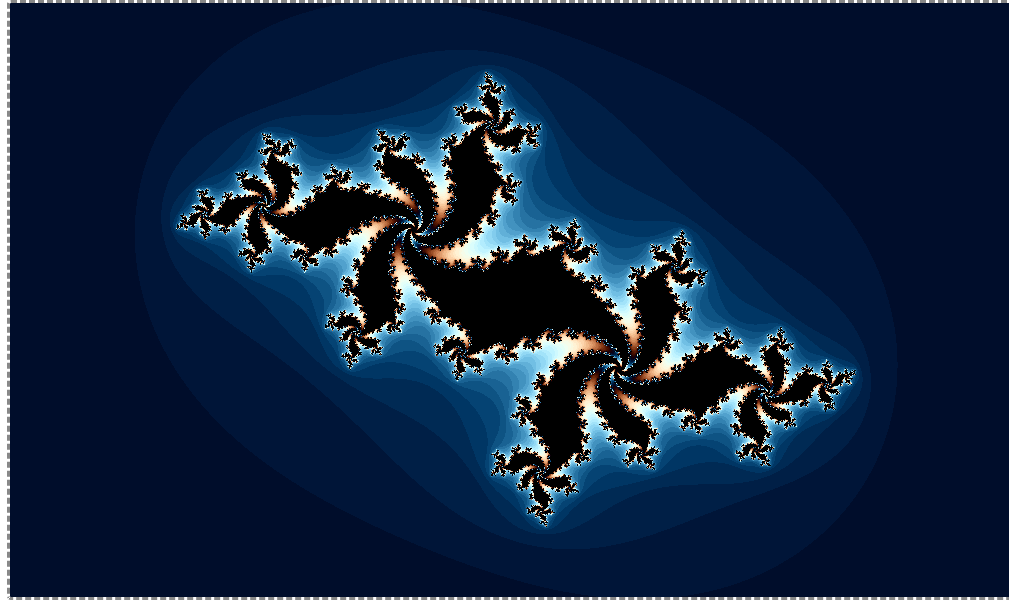
A demo MCP App that renders ShaderToy-compatible GLSL fragment shaders in real-time using WebGL 2.0 and ShaderToyLite.js.
 |
 |
 |
MCP Client Configuration
Add to your MCP client configuration (stdio transport):
{
  "mcpServers": {
    "shadertoy": {
      "command": "npx",
      "args": [
        "-y",
        "--silent",
        "--registry=https://registry.npmjs.org/",
        "@modelcontextprotocol/server-shadertoy",
        "--stdio"
      ]
    }
  }
}
Local Development
To test local modifications, use this configuration (replace ~/code/ext-apps with your clone path):
{
  "mcpServers": {
    "shadertoy": {
      "command": "bash",
      "args": [
        "-c",
        "cd ~/code/ext-apps/examples/shadertoy-server && npm run build >&2 && node dist/index.js --stdio"
      ]
    }
  }
}
Features
- Real-time Rendering: Renders GLSL shaders using WebGL 2.0
- ShaderToy Compatibility: Uses the standard
mainImage(out vec4 fragColor, in vec2 fragCoord)entry point - Multi-pass Rendering: Supports buffers A-D for feedback effects, blur chains, and simulations
- Mouse & Touch Interaction: Full iMouse support with click detection (works on mobile)
- Standard Uniforms: iResolution, iTime, iTimeDelta, iFrame, iMouse, iDate, iChannel0-3
Running
-
Install dependencies:
npm install -
Build and start the server:
npm run start:http # for Streamable HTTP transport # OR npm run start:stdio # for stdio transport -
View using the
basic-hostexample or another MCP Apps-compatible host.
Tool Input Examples
Gradient with Time:
void mainImage(out vec4 fragColor, in vec2 fragCoord) {
    vec2 uv = fragCoord / iResolution.xy;
    fragColor = vec4(uv, 0.5 + 0.5*sin(iTime), 1.0);
}
Tool input:
{
  "fragmentShader": "void mainImage(out vec4 fragColor, in vec2 fragCoord) {\n    vec2 uv = fragCoord / iResolution.xy;\n    fragColor = vec4(uv, 0.5 + 0.5*sin(iTime), 1.0);\n}"
}
Kaleidoscope:
void mainImage(out vec4 fragColor, in vec2 fragCoord) {
    vec2 uv = (fragCoord - 0.5 * iResolution.xy) / iResolution.y;
    float segments = 6.0;
    float zoom = 1.0 + 0.3 * sin(iTime * 0.2);
    float angle = atan(uv.y, uv.x) + iTime * 0.3;
    float r = length(uv) * zoom;
    angle = mod(angle, 6.28 / segments);
    angle = abs(angle - 3.14 / segments);
    vec2 p = vec2(cos(angle), sin(angle)) * r;
    p += iTime * 0.1;
    float v = sin(p.x * 10.0) * sin(p.y * 10.0);
    v += sin(length(p) * 15.0 - iTime * 2.0);
    v += sin(p.x * 5.0 + p.y * 7.0 + iTime);
    vec3 col = 0.5 + 0.5 * cos(v * 2.0 + vec3(0.0, 2.0, 4.0) + iTime);
    fragColor = vec4(col, 1.0);
}
Tool input:
{
  "fragmentShader": "void mainImage(out vec4 fragColor, in vec2 fragCoord) {\n    vec2 uv = (fragCoord - 0.5 * iResolution.xy) / iResolution.y;\n    float segments = 6.0;\n    float zoom = 1.0 + 0.3 * sin(iTime * 0.2);\n    float angle = atan(uv.y, uv.x) + iTime * 0.3;\n    float r = length(uv) * zoom;\n    angle = mod(angle, 6.28 / segments);\n    angle = abs(angle - 3.14 / segments);\n    vec2 p = vec2(cos(angle), sin(angle)) * r;\n    p += iTime * 0.1;\n    float v = sin(p.x * 10.0) * sin(p.y * 10.0);\n    v += sin(length(p) * 15.0 - iTime * 2.0);\n    v += sin(p.x * 5.0 + p.y * 7.0 + iTime);\n    vec3 col = 0.5 + 0.5 * cos(v * 2.0 + vec3(0.0, 2.0, 4.0) + iTime);\n    fragColor = vec4(col, 1.0);\n}"
}
Interactive Julia Set (click and drag to control the fractal's c parameter):
void mainImage(out vec4 fragColor, in vec2 fragCoord) {
    vec2 uv = (fragCoord - 0.5 * iResolution.xy) / iResolution.y * 2.5;
    // Use mouse position if clicked, otherwise use animated default
    vec2 c;
    if (iMouse.z > 0.0) {
        // Mouse is pressed - use mouse position
        c = (iMouse.xy / iResolution.xy - 0.5) * 2.0;
    } else {
        // Not pressed - animate around an interesting region
        c = vec2(-0.8 + 0.2 * sin(iTime * 0.5), 0.156 + 0.1 * cos(iTime * 0.7));
    }
    vec2 z = uv;
    float iter = 0.0;
    for (int i = 0; i < 100; i++) {
        z = vec2(z.x * z.x - z.y * z.y, 2.0 * z.x * z.y) + c;
        if (dot(z, z) > 4.0) break;
        iter++;
    }
    float t = iter / 100.0;
    vec3 col = 0.5 + 0.5 * cos(3.0 + t * 6.28 * 2.0 + vec3(0.0, 0.6, 1.0));
    if (iter == 100.0) col = vec3(0.0);
    fragColor = vec4(col, 1.0);
}
Tool input:
{
  "fragmentShader": "void mainImage(out vec4 fragColor, in vec2 fragCoord) {\n    vec2 uv = (fragCoord - 0.5 * iResolution.xy) / iResolution.y * 2.5;\n    vec2 c;\n    if (iMouse.z > 0.0) {\n        c = (iMouse.xy / iResolution.xy - 0.5) * 2.0;\n    } else {\n        c = vec2(-0.8 + 0.2 * sin(iTime * 0.5), 0.156 + 0.1 * cos(iTime * 0.7));\n    }\n    vec2 z = uv;\n    float iter = 0.0;\n    for (int i = 0; i < 100; i++) {\n        z = vec2(z.x * z.x - z.y * z.y, 2.0 * z.x * z.y) + c;\n        if (dot(z, z) > 4.0) break;\n        iter++;\n    }\n    float t = iter / 100.0;\n    vec3 col = 0.5 + 0.5 * cos(3.0 + t * 6.28 * 2.0 + vec3(0.0, 0.6, 1.0));\n    if (iter == 100.0) col = vec3(0.0);\n    fragColor = vec4(col, 1.0);\n}"
}
Mouse & Touch Interaction
The iMouse uniform provides interactive input, compatible with the official Shadertoy specification:
| Component | When Button Down | After Release | Never Clicked |
|---|---|---|---|
iMouse.xy |
Current position | Last position | (0, 0) |
iMouse.zw |
Click start (positive) | Negated (-x, -y) | (0, 0) |
Detecting button state:
if (iMouse.z > 0.0) {
    // Button/touch is currently held down
} else if (iMouse.z < 0.0) {
    // Button was released (can use abs(iMouse.zw) for last click position)
} else {
    // Never clicked - show default state or animate
}
Touch events are automatically supported for mobile devices.
Architecture
Server (server.ts)
Exposes a single render-shadertoy tool that accepts:
fragmentShader: Main Image shader code (required)common: Shared code across all shaders (optional)bufferA: Buffer A shader, accessible as iChannel0 (optional)bufferB: Buffer B shader, accessible as iChannel1 (optional)bufferC: Buffer C shader, accessible as iChannel2 (optional)bufferD: Buffer D shader, accessible as iChannel3 (optional)
App (src/mcp-app.ts)
- Receives shader code via
ontoolinputhandler - Uses ShaderToyLite.js for WebGL rendering
- Displays compilation errors in an overlay