| Filename | Latest commit message | Latest commit date |
|---|---|---|
 ae9b96e1fd
* fix(examples): use npm reference for ext-apps dependency Replace local path '../..' with '^1.0.0' npm reference in all example packages. The local path was accidentally published to npm, causing npm install to hang when installing server-* packages. Bump versions to 1.0.1 for all public packages to fix the published versions. Fixes npm install hanging issue in dependent projects like example-remote-server. Note: npm workspaces automatically resolves the dependency to the local package during development, so no overrides are needed. * fix: update zod to 4.x in transcript-server and fix update-lock:docker script - Update transcript-server to use zod ^4.1.13 for compatibility - Fix update-lock:docker script to properly clean workspace node_modules - Regenerate package-lock.json with clean npmjs.org URLs |
||
| .. | ||
| src | ||
| .gitignore | ||
| grid-cell.png | ||
| main.ts | ||
| mcp-app.html | ||
| package.json | ||
| README.md | ||
| screenshot.png | ||
| server.ts | ||
| tsconfig.json | ||
| tsconfig.server.json | ||
| vite.config.ts | ||


Video Resource Server
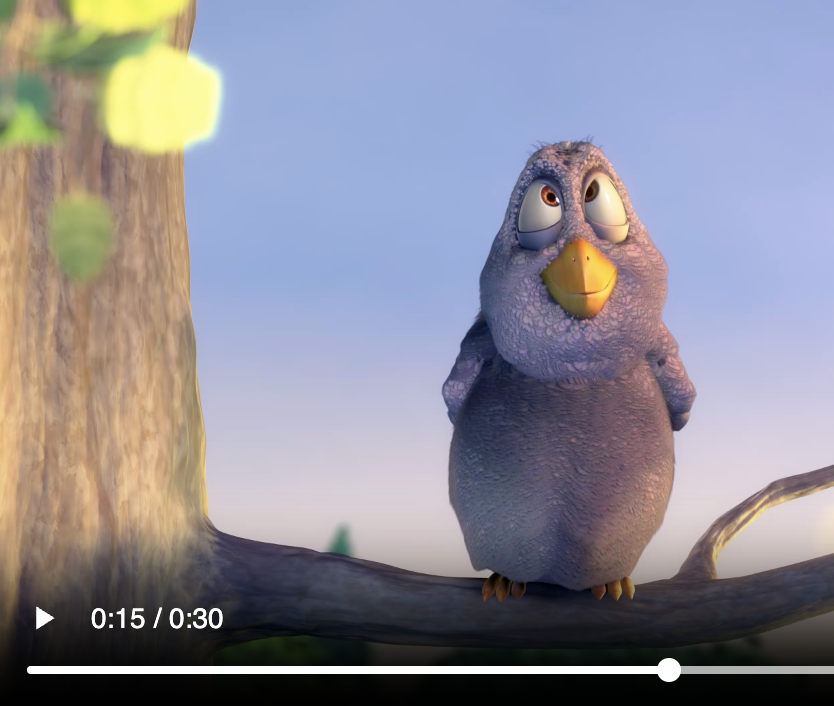
Demonstrates serving binary content (video) via MCP resources using the base64 blob pattern.
MCP Client Configuration
Add to your MCP client configuration (stdio transport):
{
  "mcpServers": {
    "video-resource": {
      "command": "npx",
      "args": [
        "-y",
        "--silent",
        "--registry=https://registry.npmjs.org/",
        "@modelcontextprotocol/server-video-resource",
        "--stdio"
      ]
    }
  }
}
Local Development
To test local modifications, use this configuration (replace ~/code/ext-apps with your clone path):
{
  "mcpServers": {
    "video-resource": {
      "command": "bash",
      "args": [
        "-c",
        "cd ~/code/ext-apps/examples/video-resource-server && npm run build >&2 && node dist/index.js --stdio"
      ]
    }
  }
}
Quick Start
npm install
npm run dev
Tools
- play_video - Plays a video loaded via MCP resource
videoId: Choose from various sizes (bunny-1mb,bunny-5mb,bunny-10mb, etc.)
How It Works
- The
play_videotool returns avideoUripointing to an MCP resource - The view fetches the resource via
resources/read - The server fetches the video from CDN and returns it as a base64 blob
- The view decodes the blob and plays it in a
<video>element