| Filename | Latest commit message | Latest commit date |
|---|---|---|
 cce8d5c7a3
Add stdio transport configuration snippets near the top of each example README to help users quickly set up the servers in their MCP clients. - Node.js examples use npx with the published npm packages - Python qr-server uses uv with local path - Removed Claude Desktop-specific references from qr-server |
||
| .. | ||
| src | ||
| .gitignore | ||
| grid-cell.png | ||
| main.ts | ||
| mcp-app.html | ||
| package.json | ||
| README.md | ||
| screenshot.png | ||
| server.ts | ||
| tsconfig.json | ||
| tsconfig.server.json | ||
| vite.config.ts | ||


Example: Wiki Explorer
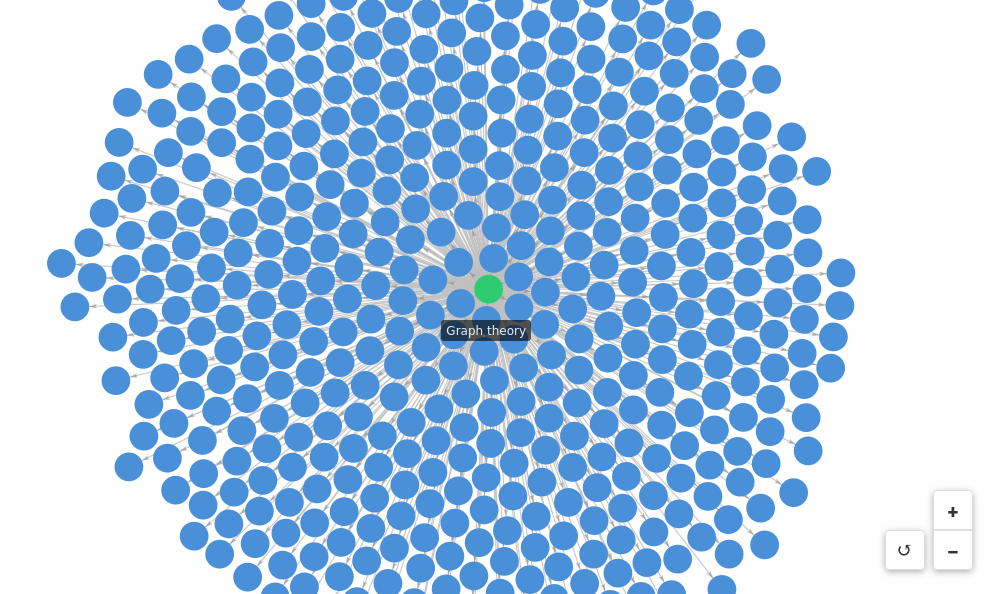
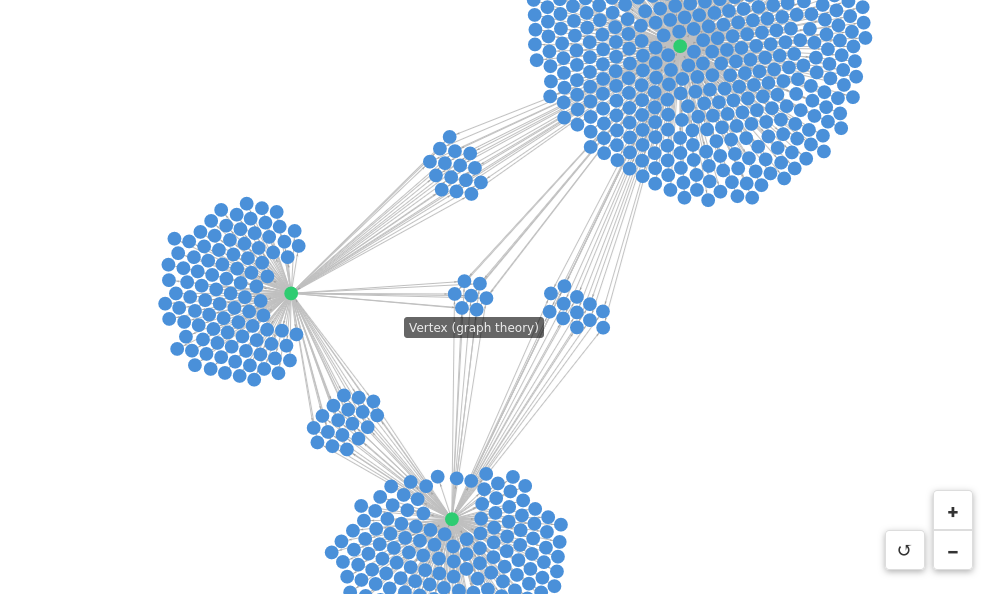
Visualizes Wikipedia link graphs using a force-directed layout. Explore how Wikipedia pages are connected by expanding nodes to reveal first-degree links.
 |
 |
 |
MCP Client Configuration
Add to your MCP client configuration (stdio transport):
{
  "mcpServers": {
    "wiki-explorer": {
      "command": "npx",
      "args": [
        "-y",
        "--silent",
        "--registry=https://registry.npmjs.org/",
        "@modelcontextprotocol/server-wiki-explorer",
        "--stdio"
      ]
    }
  }
}
Features
- Force-directed graph visualization: Interactive graph powered by
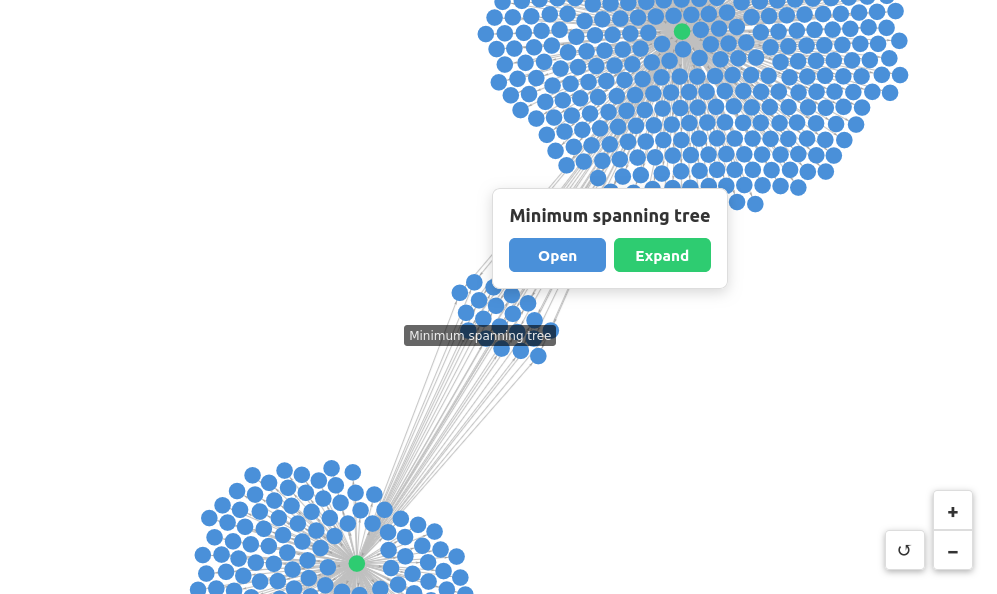
force-graph - Node expansion: Click any node to expand and see all pages it links to
- Visual state tracking: Nodes change color based on state (blue = default, green = expanded, red = error)
- Direct page access: Open any Wikipedia page in your browser
Running
-
Install dependencies:
npm install -
Build and start the server:
npm run start:http # for Streamable HTTP transport # OR npm run start:stdio # for stdio transport -
View using the
basic-hostexample or another MCP Apps-compatible host.
Tool Input
To test the example, call the get-first-degree-links tool with a Wikipedia URL:
{
  "url": "https://en.wikipedia.org/wiki/Graph_theory"
}
Click nodes in the graph to Open (view in browser) or Expand (visualize linked pages).
Architecture
Server (server.ts)
MCP server that fetches Wikipedia pages and extracts internal links.
Exposes one tool:
get-first-degree-links- Returns links to other Wikipedia pages from a given page
App (src/mcp-app.ts)
Vanilla TypeScript app using force-graph for visualization that:
- Receives tool inputs via the MCP App SDK
- Renders an interactive force-directed graph
- Supports node expansion to explore link relationships